
Evaluation#
This document describes how to evaluate models in InternNav.
InternVLA-N1 (Dual System)#
Model weights of InternVLA-N1 (Dual System) can be downloaded from InternVLA-N1-DualVLN and InternVLA-N1-w-NavDP.
Evaluation on Isaac Sim#
Before evaluation, we should download the robot assets from InternUTopiaAssets and move them to the data/ directory.
InternNav supports two execution modes for running the model during evaluation.
1) In-Process Mode (use_agent_server = False)#
We now support running the local model and Isaac Sim in the same process, enabling single-GPU evaluation without launching a separate agent service, and also supports multi-process execution, where each process hosts its own simulator and local model.
python scripts/eval/eval.py --config scripts/eval/configs/h1_internvla_n1_async_cfg.py

# set config with the following fields
eval_cfg = EvalCfg(
    task=TaskCfg(
        task_settings={
            'use_distributed': False,       # disable Ray-based distributed evaluation
        }
    ),
    eval_settings={
        'use_agent_server': False,          # run the model in the same process as the simulator
    },
)
For multi-gpu inference, currently we support inference on environments that expose a torchrun-compatible runtime model (e.g., Torchrun or Aliyun DLC).
# for torchrun
./scripts/eval/bash/torchrun_eval.sh \
    --config scripts/eval/configs/h1_internvla_n1_async_cfg.py

# for alicloud dlc
./scripts/eval/bash/eval_vln_distributed.sh \
    internutopia \
    --config scripts/eval/configs/h1_internvla_n1_async_cfg.py
2) Agent Server Mode (use_agent_server = True)#
We also support running the model in a separate process. First, change the ‘model_path’ in the cfg file to the path of the InternVLA-N1 weights. Start the evaluation server:
# from one process
conda activate <model_env>
python scripts/eval/start_server.py --config scripts/eval/configs/h1_internvla_n1_async_cfg.py
Then, start the client to run evaluation:
# from another process
conda activate <internutopia>
MESA_GL_VERSION_OVERRIDE=4.6 python scripts/eval/eval.py --config scripts/eval/configs/h1_internvla_n1_async_cfg.py

# set config with the following fields
eval_cfg = EvalCfg(
    eval_settings={
        'use_agent_server': True,          # run the model in the same process as the simulator
    },
)
The evaluation results will be saved in the eval_results.log file in the output_dir of the config file. The whole evaluation process takes about 10 hours at RTX-4090 graphics platform.
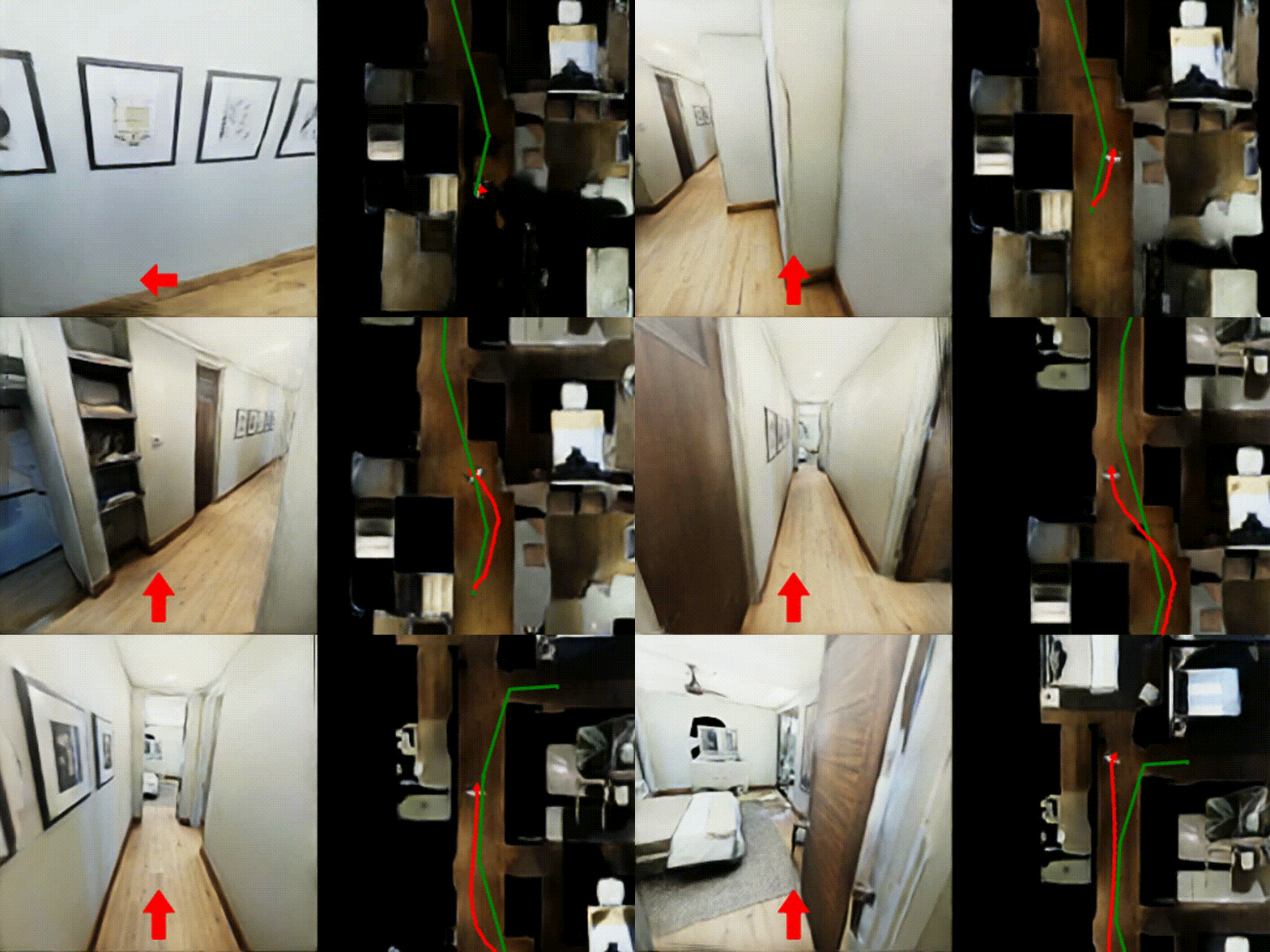
The simulation can be visualized by set vis_output=True in eval_cfg.
Evaluation on Habitat Sim#
Evaluate on Single-GPU:
python scripts/eval/eval.py --config scripts/eval/configs/habitat_dual_system_cfg.py
For multi-gpu inference, currently we support inference on SLURM as well as environments that expose a torchrun-compatible runtime model (e.g., Aliyun DLC).
# for slurm
./scripts/eval/bash/eval_dual_system.sh

# for torchrun
./scripts/eval/bash/torchrun_eval.sh \
    --config scripts/eval/configs/habitat_dual_system_cfg.py

# for alicloud dlc
./scripts/eval/bash/eval_vln_distributed.sh \
    habitat \
    --config scripts/eval/configs/habitat_dual_system_cfg.py
InternVLA-N1 (System 2)#
Model weights of InternVLA-N1 (System2) can be downloaded from InternVLA-N1-System2.
Currently we only support evaluate single System2 on Habitat:
Evaluate on Single-GPU:
python scripts/eval/eval.py --config scripts/eval/configs/habitat_s2_cfg.py

# set config with the following fields
eval_cfg = EvalCfg(
    agent=AgentCfg(
        model_name='internvla_n1',
        model_settings={
            "mode": "system2",  # inference mode: dual_system or system2
            "model_path": "checkpoints/<s2_checkpoint>",  # path to model checkpoint
        }
    )
)
For multi-gpu inference, currently we only support inference on SLURM.
./scripts/eval/bash/eval_system2.sh
VN Systems (System 1)#
We support the evaluation of diverse System-1 baselines separately in NavDP to make it easy to use and deploy. To install the environment, we provide a quick start below:
Step 0: Create the conda environment#
conda create -n isaaclab python=3.10
conda activate isaaclab
Step 1: Install Isaacsim 4.2#
pip install --upgrade pip
pip install isaacsim==4.2.0.2 isaacsim-extscache-physics==4.2.0.2 isaacsim-extscache-kit==4.2.0.2 isaacsim-extscache-kit-sdk==4.2.0.2 --extra-index-url https://pypi.nvidia.com
# (optional) you can check the installation by running the following
isaacsim omni.isaac.sim.python.kit
Step 2: Install IsaacLab 1.2.0#
git clone https://github.com/isaac-sim/IsaacLab.git
cd IsaacLab/
git checkout tags/v1.2.0
# (optional) you can check the installation by running the following
./isaaclab.sh -p source/standalone/tutorials/00_sim/create_empty.py
Step 3: Install the dependencies for InternVLA-N1(S1)#
git clone https://github.com/OpenRobotLab/NavDP.git
cd NavDP
git checkout navdp_benchmark
pip install -r requirements.txt
Step 4: Start the InternVLA-N1(S1) server#
cd system1_baselines/navdp
python navdp_server.py --port {PORT} --checkpoint {CHECKPOINT_path}
Step 5: Running the Evaluation#
python eval_pointgoal_wheeled.py --port {PORT} --scene_dir {SCENE_DIR}
Single-System VLN Baselines#
We provide three small Single-System VLN baselines (Seq2Seq, CMA, RDP) for evaluation in the InterUtopia (Isaac-Sim) environment.
Download the baseline models:
# ddppo-models
$ mkdir -p checkpoints/ddppo-models
$ wget -P checkpoints/ddppo-models https://dl.fbaipublicfiles.com/habitat/data/baselines/v1/ddppo/ddppo-models/gibson-4plus-mp3d-train-val-test-resnet50.pth
# longclip-B
$ huggingface-cli download --include 'longclip-B.pt' --local-dir-use-symlinks False --resume-download Beichenzhang/LongCLIP-B --local-dir checkpoints/clip-long
# download r2r finetuned baseline checkpoints
$ git clone https://huggingface.co/InternRobotics/VLN-PE && mv VLN-PE/r2r checkpoints/
Start Evaluation:
# Please modify the first line of the bash file to your own conda path
# seq2seq model
./scripts/eval/bash/start_eval.sh --config scripts/eval/configs/h1_seq2seq_cfg.py
# cma model
./scripts/eval/bash/start_eval.sh --config scripts/eval/configs/h1_cma_cfg.py
# rdp model
./scripts/eval/bash/start_eval.sh --config scripts/eval/configs/h1_rdp_cfg.py
The evaluation results will be saved in the eval_results.log file in the output_dir of the config file.